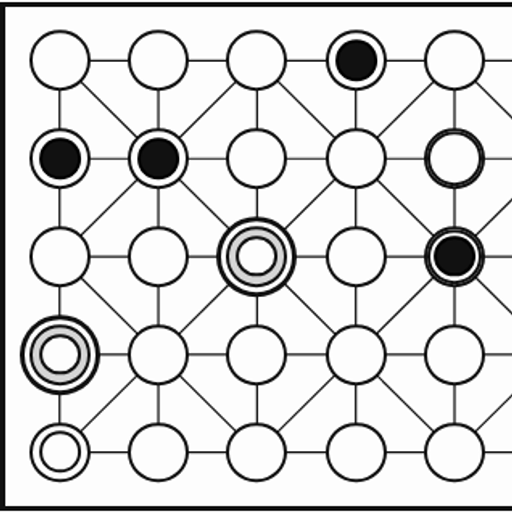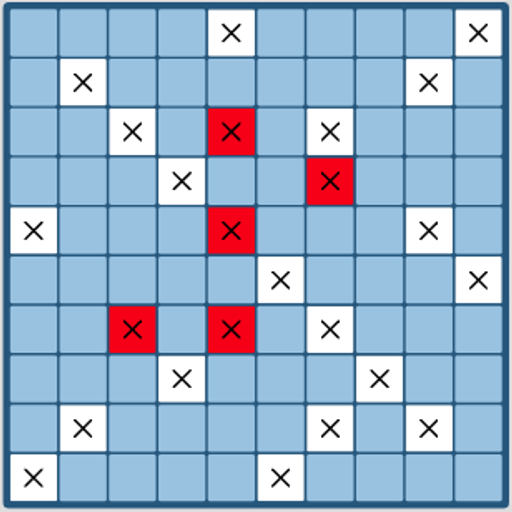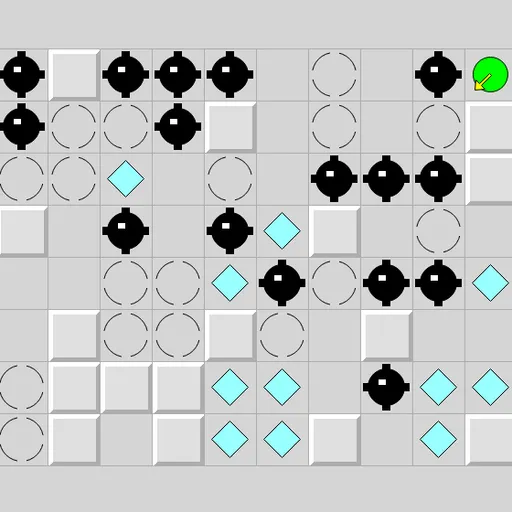
Inertia Gem Slide puts a small green ball on a grid of walls, gems, mines and stop squares. The catch is that the ball has no brakes. Once you push it, it rolls until a wall or a stop square halts it, grabbing any gems it passes over. You must collect every gem without ever rolling into a mine. This is Inertia from Simon Tatham’s Portable Puzzle Collection, based on a Windows game by Ben Olmstead.
How to Play Inertia Gem Slide
Choose one of eight directions: up, down, left, right or one of the four diagonals. With a mouse or finger, click or tap on the grid in the general direction you want the ball to go. With a keyboard, use the arrow keys or the number pad.
The ball keeps going in a straight line. A raised gray block is a wall and stops it on the square before. A broken circle is a stop square, and the ball halts on it no matter which way it came from. Cyan diamonds are gems and do not slow it down. Black spiked balls are mines.
The status bar counts the gems still to collect. When it reaches zero, it says COMPLETED. If the last gem and a mine fall on the same roll, you lose that roll, not win it.
Inertia Gem Slide Controls
| Action | Keyboard | Mouse | Touch |
|---|---|---|---|
| Slide up, down, left or right | Arrow keys or number pad 8, 2, 4, 6 | Left-click on the grid in that direction from the ball | Tap on the grid in that direction from the ball |
| Slide diagonally | Number pad 7, 9, 1, 3 | Left-click diagonally away from the ball | Tap diagonally away from the ball |
| Follow the hint arrow after Solve | Space | — | — |
| Undo (also after hitting a mine), redo, new grid | U / R / N | Undo move, Redo move and New game buttons | Undo move, Redo move and New game buttons |
Tips and Strategies
- Trace the whole path before moving. Follow the line to where the ball will actually stop, and check for mines anywhere along it.
- Stop squares are your safe spots. Plan routes that hop from one stop square to the next so you always know where you will land.
- Use diagonal gaps. Two walls touching only at their corners still let a diagonal roll through.
- Leave an exit. Before grabbing a gem in a dead end, make sure there is a way to roll back out.
- Undo freely. Dying is not the end. Undo the fatal move and try another direction, but watch the death counter if you want a clean run.
Features
- Eight-direction movement by keyboard, mouse or touch.
- Three preset sizes plus custom widths and heights.
- A step-by-step hint arrow from the built-in solver.
- Undo after mistakes, with a death counter that keeps you honest.
Tested and updated: